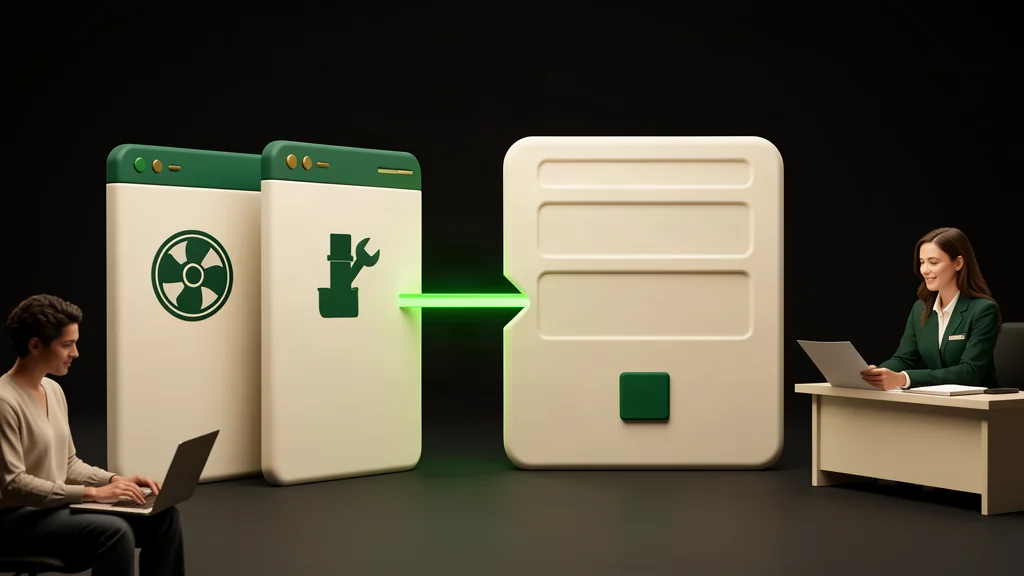
A company website can look polished yet leave visitors unsure whether a service fits their needs or how to request a quote. Attractive photography and a long service list cannot replace those answers. A useful website connects understanding the service with submitting a request, without making the visitor search or guess.
If your company in Muscat needs customers to describe a job before pricing it, focus on page structure, the request form, and the mobile experience. These parts work together. A service page prepares the visitor, the form collects appropriate details, and the confirmation explains what happened. Clear decisions matter more than filling the website with features.
Make the homepage a guide
Visitors should quickly understand what the company does, who its services suit, and what to do next. Use a direct description rather than a broad promise such as “complete solutions for every need.” Present understandable service groups, link to detailed pages, and offer a clearly labelled quote-request action.
The homepage does not need to contain every technical detail. Its job is to help people choose a route and see credible information. If you have previous work that can be published, explain its context. Otherwise, a clear description of your process is more useful than unverified testimonials or unexplained performance figures.
Give each service a decision-focused page
A service page should explain what work is offered, which situations it suits, what the usual scope includes, and what requires review. A practical structure is a short introduction, scope, request process, relevant questions, and a button leading to a form associated with that service.
Create separate pages where customer needs genuinely differ, not for every variation of the same keyword. If your business has a defined coverage area within Muscat, describe only the areas it actually serves after confirming them. Repeating the city throughout the text adds little, and local wording should never imply offices or teams that do not exist.
Explain what affects an estimate
Pricing may depend on the site, amount of work, materials, or need for an assessment. Explain the factors relevant to your service without overwhelming visitors with a technical checklist. When they understand why a detail matters, the form feels like a continuation of the page rather than a barrier at its end.
Clarify what cannot be settled through a form alone. A quote request is not final acceptance of work or a booked appointment. A short explanation that the team will review the details and identify the appropriate next step is sufficient. Avoid urgency messages and commitments that are not supported by an actual operating process.
Collect the information the team needs
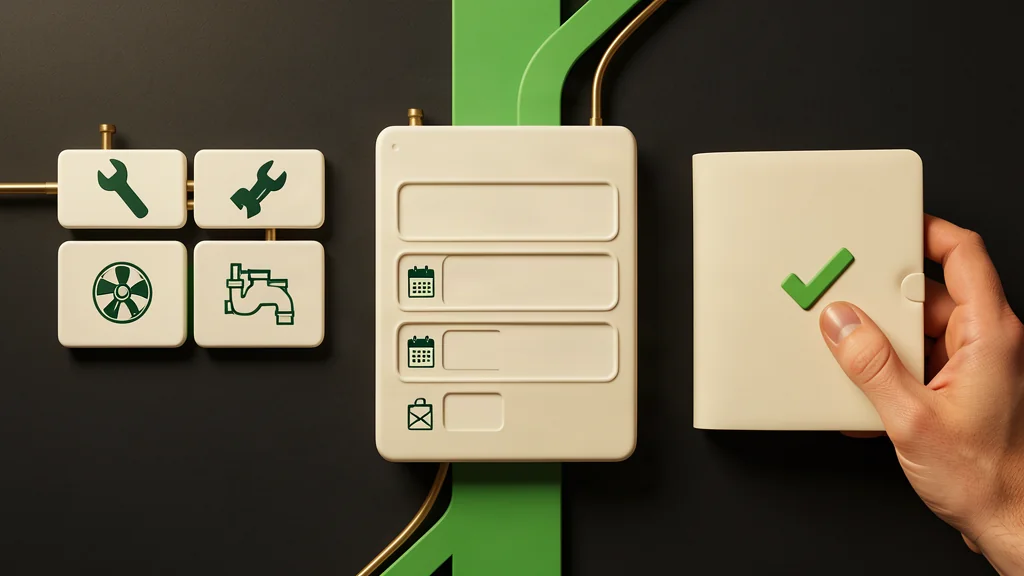
Begin with a name, contact method, requested service, and a brief description. Add the service location when it affects assessment, while leaving secondary details optional. Do not require an account or complete company information if it is unnecessary for the initial review. Each field should have a clear purpose for the receiving team.
When visitors arrive from a specific service page, preselect that service while allowing changes. Include an option for people who need help choosing. If photographs support assessment, make uploads optional, state permitted formats and file size, and advise customers not to include unnecessary sensitive information or documents.
A hypothetical maintenance company
If your company provides building-maintenance services in Muscat, plumbing and air-conditioning maintenance may need separate pages because their scopes and request details differ. The air-conditioning page can explain the work actually offered and the information useful for review, such as symptoms, an approximate unit count, and the type of premises.
The visitor reaches a form with the relevant service selected, describes the problem, and provides a preferred contact method. They should not have to diagnose the fault or choose unfamiliar technical parts. An uploaded photo helps establish context; it does not mean a final estimate can always be issued without review or a site assessment.
Walk through the mobile journey
Test what visitors can do on a small screen, not just how the layout looks. Does the service explanation appear before space-consuming decoration? Is the quote button visible without covering content? Are fields and options easy to tap? Reduce heavy images and distracting movement, and check the journey on a limited connection rather than only a desktop setup.
Use visible field labels, suitable phone and email keyboards, and a logical navigation order. For an Arabic version, check text direction and mixed numbers or addresses carefully. Error messages should identify the problem and explain how to fix it while preserving entered information. Color alone should not communicate an error or successful submission.
Finish with reliable confirmation and useful measurement
Show success only when the request has actually been received. Provide a reference if the system supports it and explain the next step without inventing a response deadline. Test delivery to the responsible recipient, not merely the appearance of a thank-you message. If submission fails, offer a clear alternative contact route.
Measure movement from service pages to the form, form starts, successful submissions, and recurring field errors without sending request contents to analytics tools. Review the usefulness of submitted details with the team. Explore Meral’s web design and development service, or contact us to discuss a page structure suited to your services and quote-request process.